If you’re looking to deploy a website quickly and easily, GitHub offers a fantastic service called GitHub Pages.
Why Choose GitHub Pages? Link to heading
GitHub Pages is incredibly convenient because:
- No Infrastructure Hassle: No need to build containers or manage clusters.
- Reliability: Backed by a professional team (status page).
- GitHub Integration: Seamlessly integrates with the Git workflow you already know—no FTP, SCP, or cPanel required.
You can even automate deployments using GitHub Actions. One popular tool for this is MkDocs.
Getting Started with MkDocs Link to heading
MkDocs allows you to define your website using Markdown files and YAML configuration. It’s:
- Easy to set up.
- Perfectly compatible with GitHub Actions.
Custom Domains with MkDocs Link to heading
If you want a custom domain like docs.jmainguy.com, make sure to:
- Add a
CNAMEfile with your domain name in the appropriate directory (see MkDocs documentation). - Avoid overwriting your custom domain during deployments.
Setting Up Custom Domains in GitHub Pages Link to heading
To configure a custom domain:
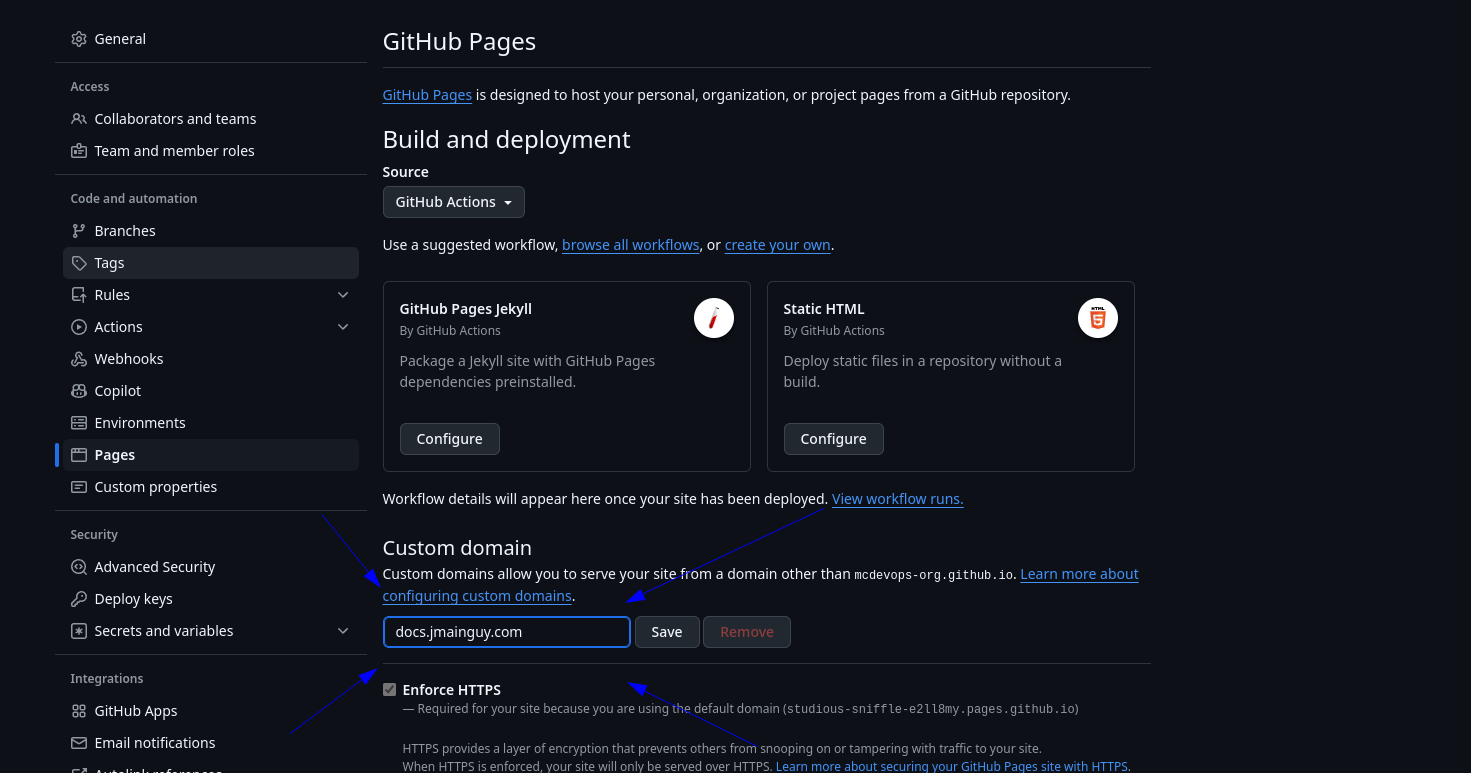
- Go to GitHub Repo Settings → Pages → Fill in the “Custom Domain” box.
- Follow GitHub’s guide to set up a
CNAMEDNS record pointing to<user>.github.io(personal account) or<organization>.github.io(organization).
Protecting Against Domain Takeovers Link to heading
The Risk of Domain Takeovers Link to heading
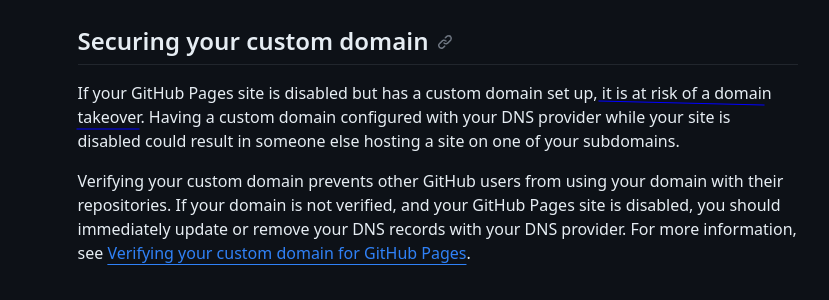
Using a CNAME without proper verification exposes you to potential domain takeover attacks. Scammers can exploit unverified domains to host malicious content.
How to Secure Your Domain Link to heading
To prevent this:
- Add a TXT DNS record for domain verification.
- Go to User/Organization Settings → Pages → Add a Domain and follow the instructions in GitHub’s Domain Verification guide.
What Happens If Your Domain Gets Hijacked? Link to heading
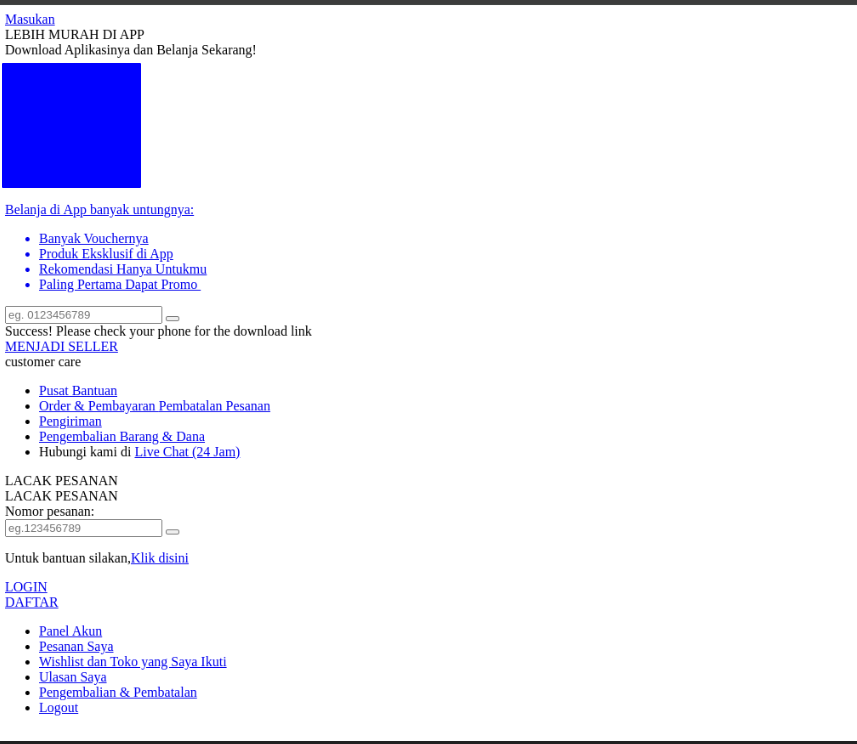
If your domain is hijacked (e.g., your site starts selling scams), it’s likely because:
- You skipped the TXT verification step.
- MkDocs overwrote your custom domain settings during deployment.
This is what happened to me atleast, and my website looked like this all of a sudden.
To fix this:
- Validate your domain by adding the TXT record from your GitHub Pages settings.
- Update your MkDocs configuration to prevent overwriting.
Final Thoughts Link to heading
Github Pages is an awesome way to serve websites, ensure you validate the domain to protect from domain hijacking, go deploy a website =).